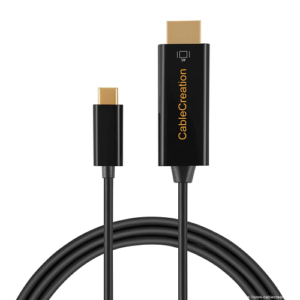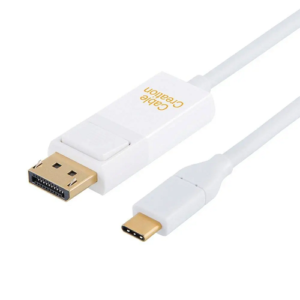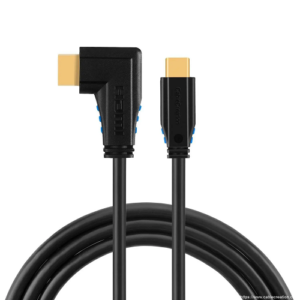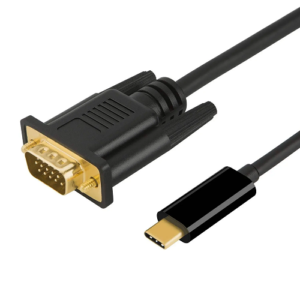
































































































Description
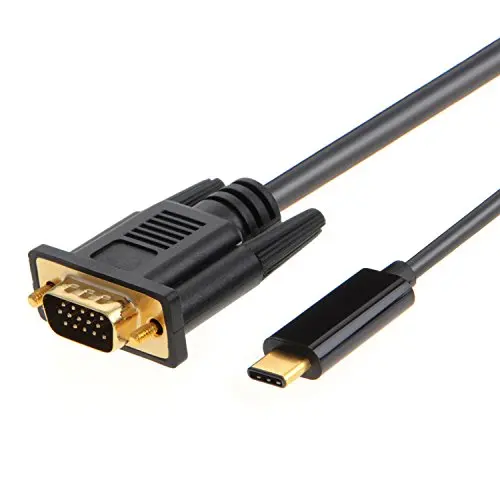
USB TYPE C to VGA Cable is compatible with the following device: (not a full list)
*New iPad Pro
*Mac Mini
*MacBook Air 2018
*iMac 2017 / iMac 2017 Pro
*MacBook Pro 2017 / 2016 (13 &15 inch)
*MacBook 2016 / 2015 (12 inch)
*Surface Book 2
*HP Spectre X360
*Lenovo Yoga 910
*HP EliteBook Folio G1
*Google Chromebook Pixel Laptop
*Dell XPS 12/13/15
*Lenovo Yoga 920/910(Connect to White USB-C Port)
*Yoga 720 (Connect to Thunderbolt 3 port)
*Thinkpad P70/P50 With Thunderbolt 3
Enjoy your 1080P@60HZ
1.Supports resolution up to 1080P@60Hz,but we recommend you to make sure your monitor/tv could supply corresponding output.
2.If the resolution of your laptop is higher than the external monitor.
For windows: Windows Menu?> Setting?> Display?> Advanced Display Settings, set your laptop?s resolution same as or lower the resolution of external monitor.
For MacOS: Left-upper Apple icon?>System Preferences?>Displays?>Mirror displays. Then your VGA monitor would mirror your Mac. However here you have two choices. One is ?Optimize For? your built-in Retina Display, the other is ?Optimize For? your HDMI monitor. You can choose which one you like.
Support Mirror & Extend Dual Mode
Extend Mode:
Extend your laptop for visibility of multiple tasks at the same time
Mirror Mode:
Mirror your laptop to a large screen for a visual enjoyment
? Mirror and Extend Mode Settings:
For MacOS, Top left corner Apple icon?>System Preferences?>Displays?>Mirror or Extend Displays;
For Windows 10, press Windows key + P combination command?>choose Duplicate or Extend.
For Windows system laptop, if the external monitor could not work, please update the BIOS and graphic card driver from laptop official website.